![LiquidInstruments-KnowledgeBase-Logo.png]](https://prm.liquidinstruments.com/hs-fs/hubfs/LiquidInstruments-KnowledgeBase-Logo.png?height=50&name=LiquidInstruments-KnowledgeBase-Logo.png)
You can delete the recorded files in the Data Logger using the File Manager.
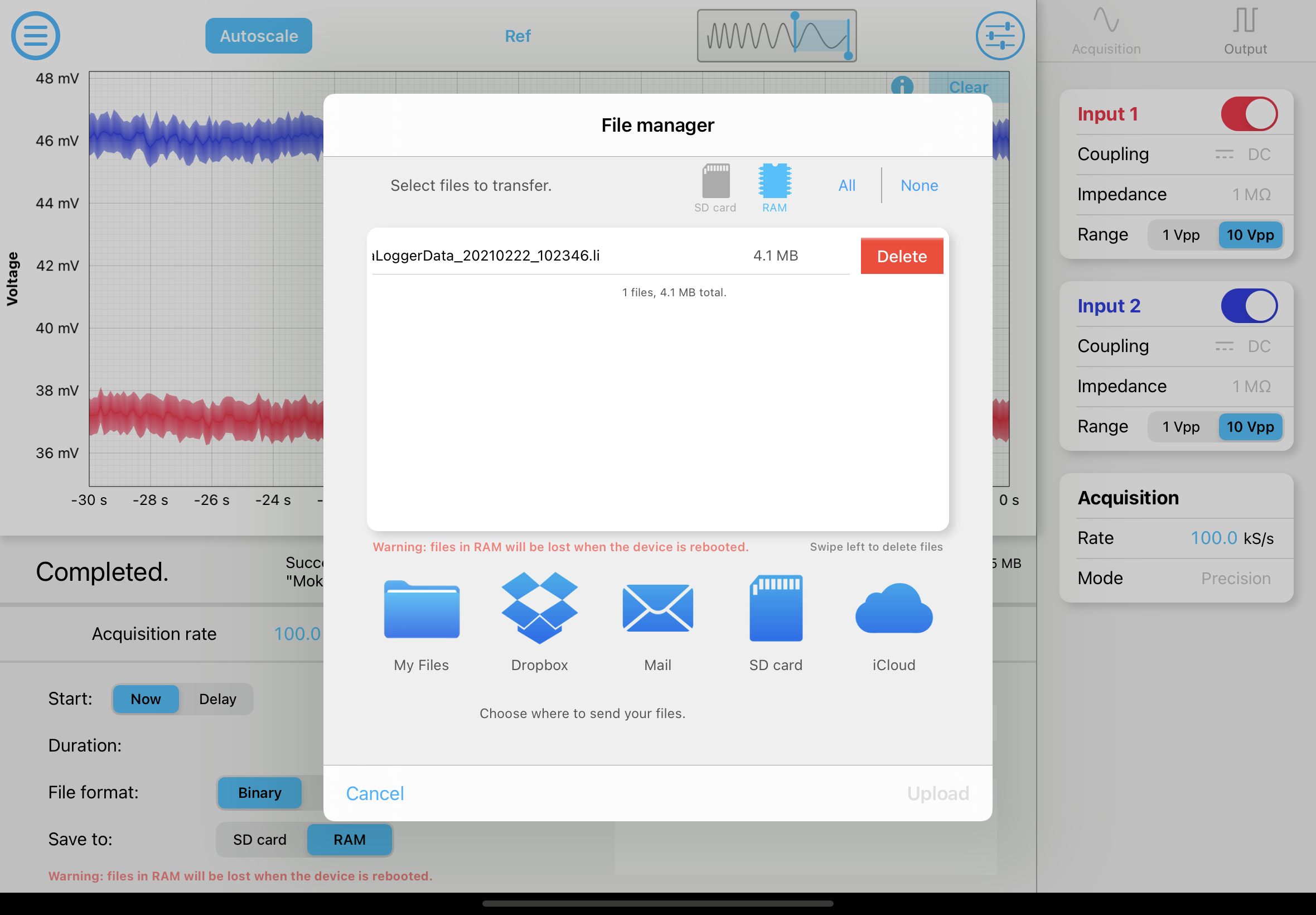
iPad App
- Tap the share icon
 to access the File Manager
 - Select the destination where the file is saved. i.e. SD card or RAM
- Swipe left on the file you want to delete, this will bring up the delete button top the right of the file
- Tap "Delete"
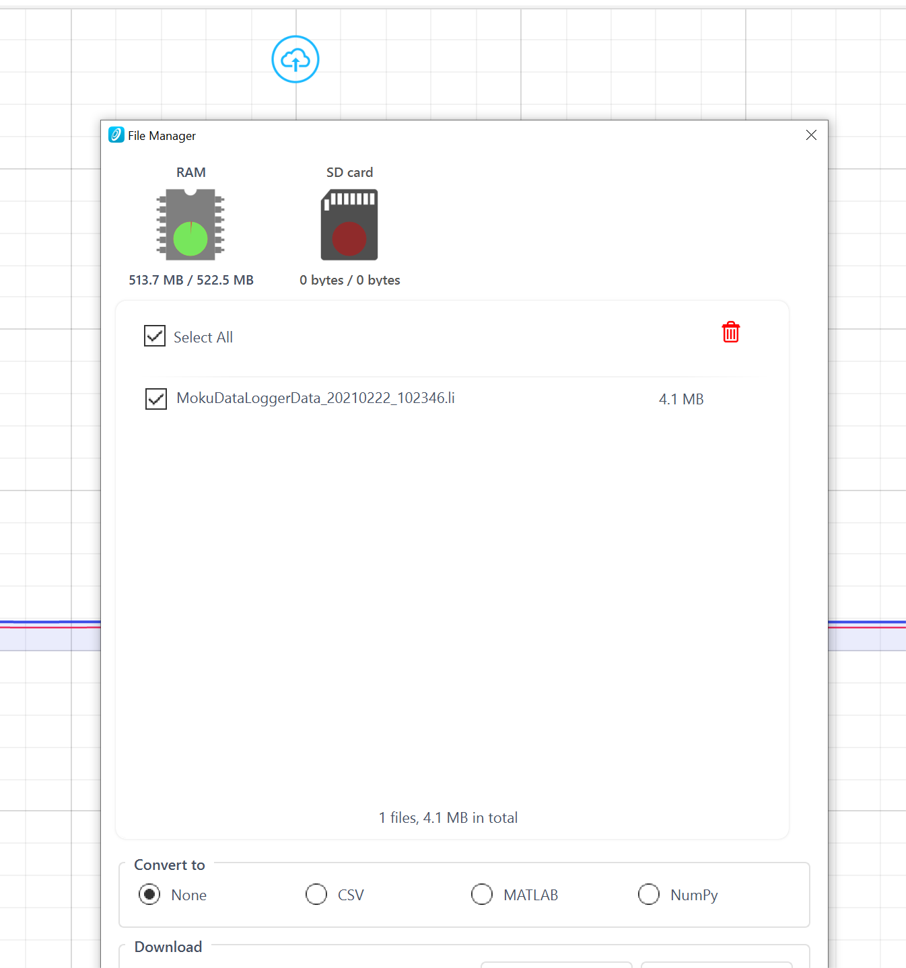
Windows App
- Click the share icon
 to access the File Manager
 - Select the destination where the file is saved. i.e. SD card or RAM
- Select the file(s) to delete
- Click the bin icon to delete the file(s)