![LiquidInstruments-KnowledgeBase-Logo.png]](https://prm.liquidinstruments.com/hs-fs/hubfs/LiquidInstruments-KnowledgeBase-Logo.png?height=50&name=LiquidInstruments-KnowledgeBase-Logo.png)
In some lab environments, it is important to disable the WiFi connectivity in Moku:Pro. With WiFi disabled, you can connect to and control the Moku:Pro via wired ethernet or USB-C. WiFi can be disabled in two ways :
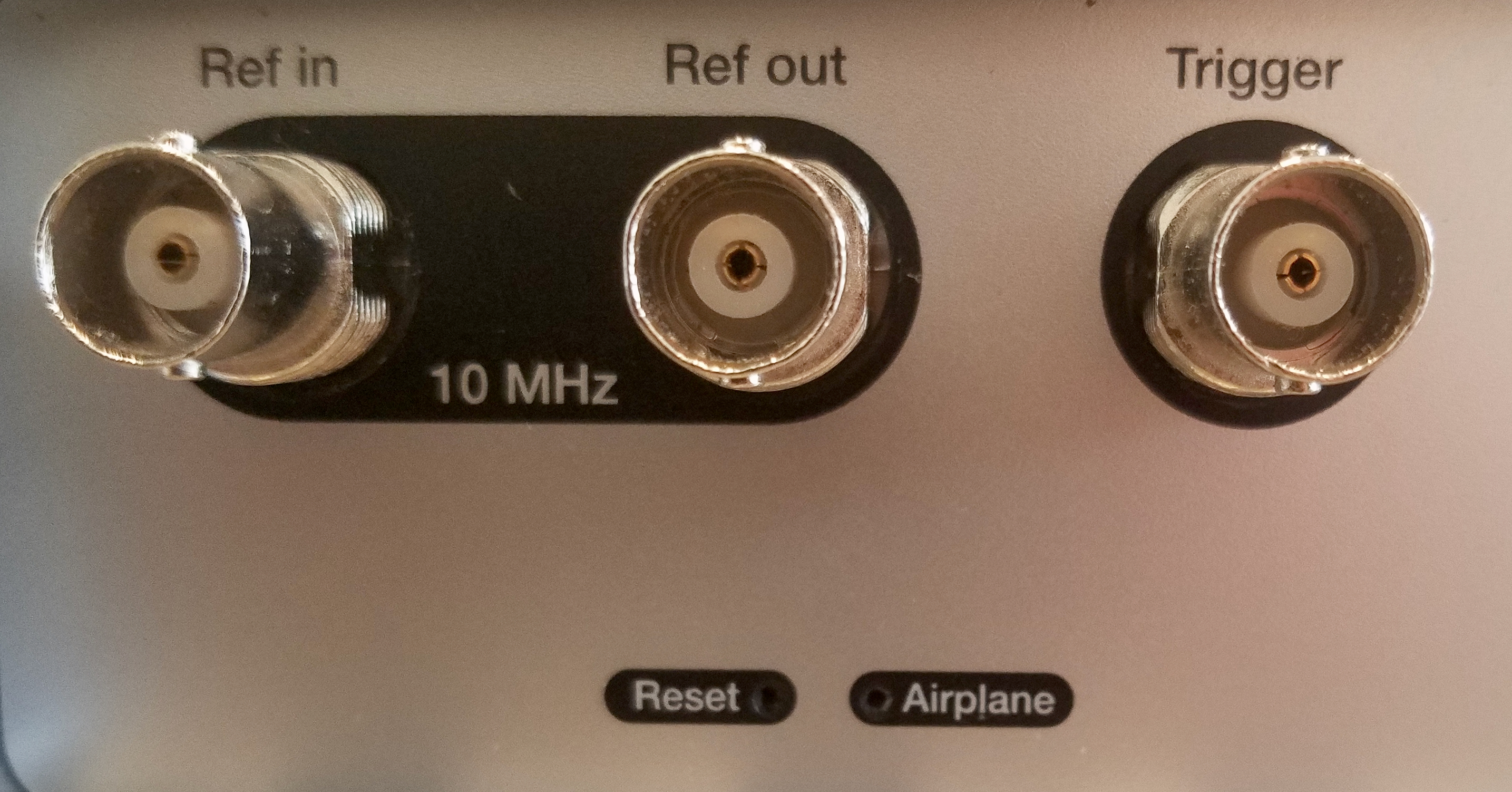
1. Airplane mode : On the rear panel, press the recessed airplane mode button
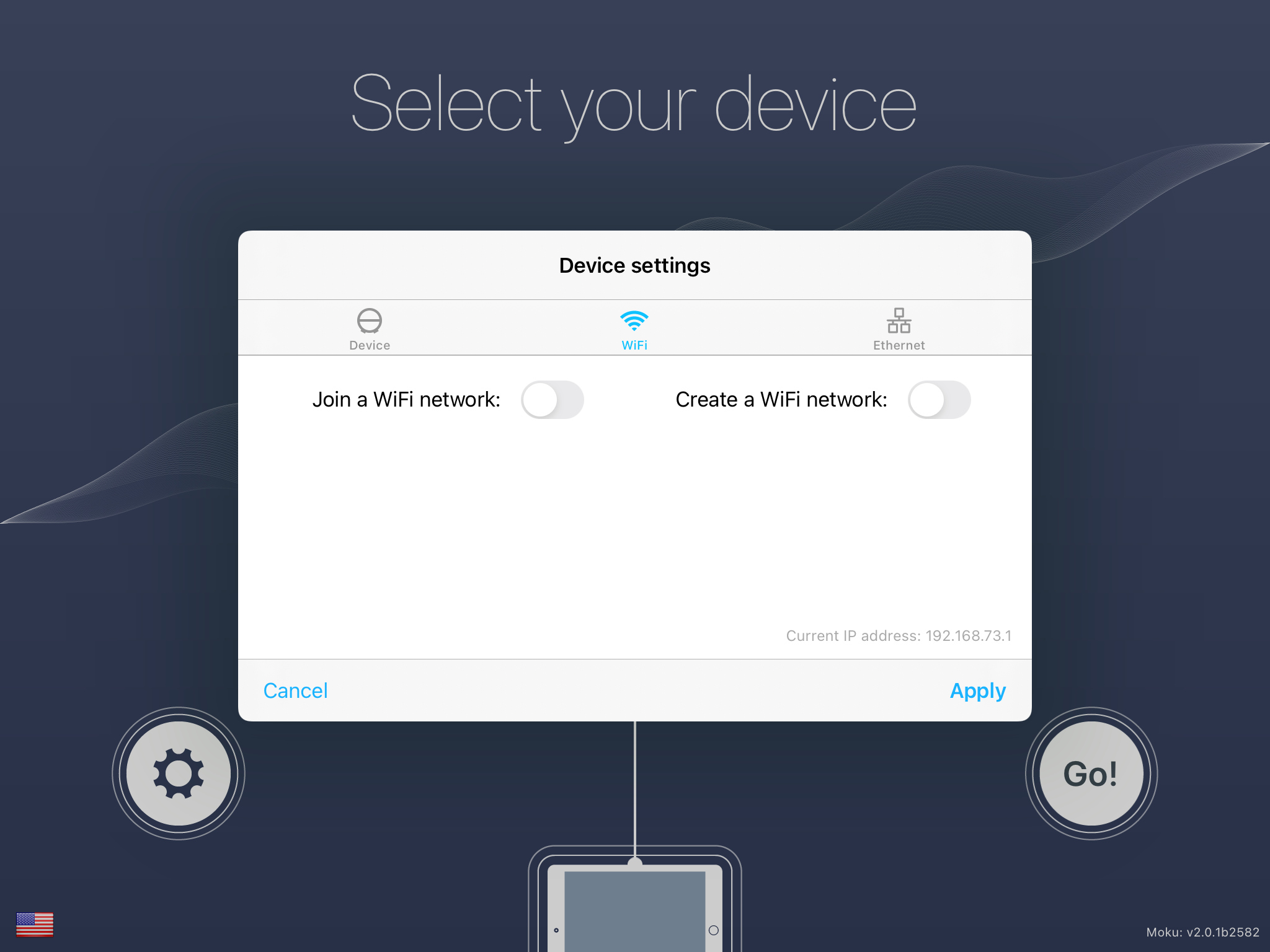
2. In the Moku app : Disable both "Join a WiFi network" and "Create a WiFi network"